
 By Yasir Hafeez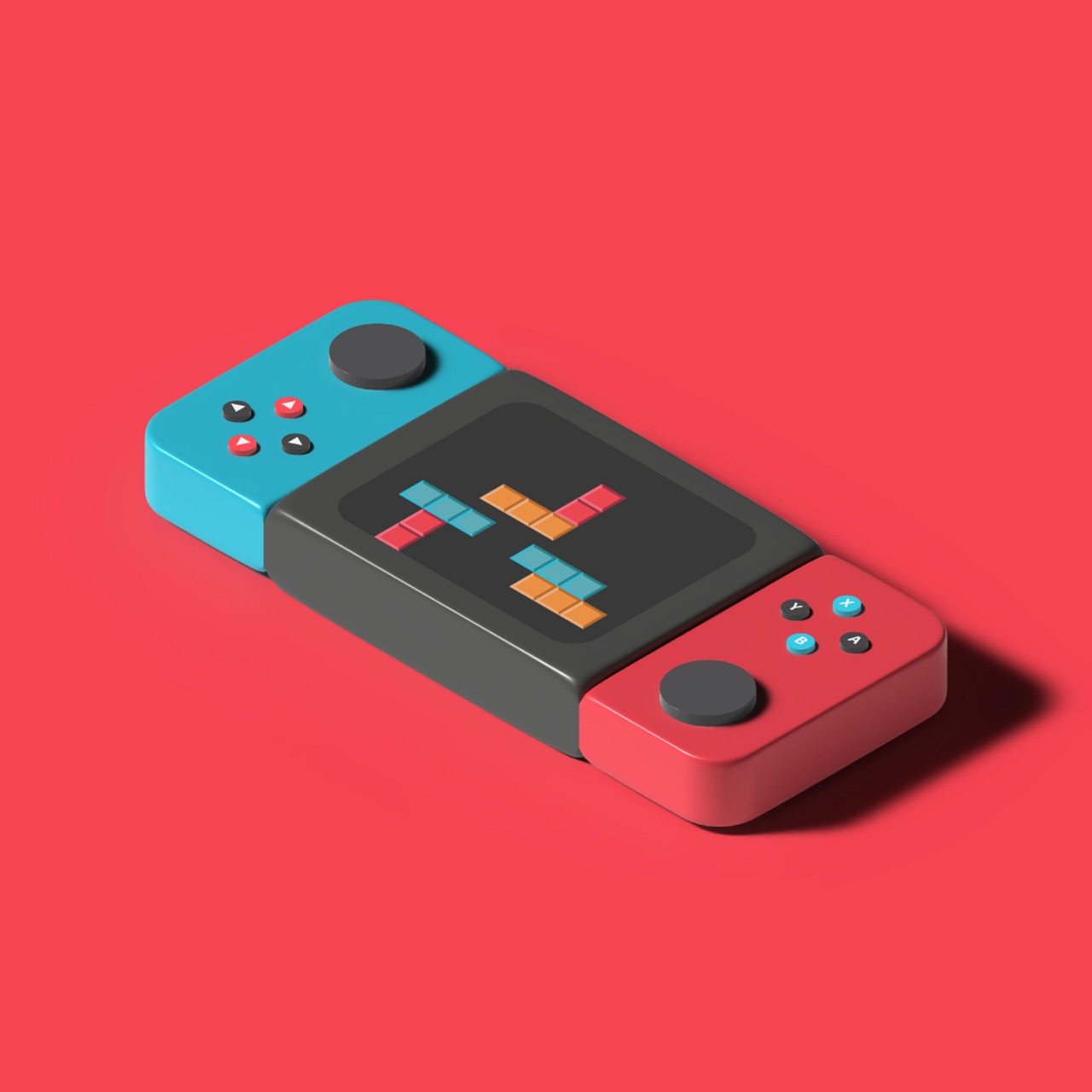
Protecting your Nintendo Switch 2 display is paramount for any serious gamer or casual player. As of July 2026, the market for Switch 2 screen protector options has matured, offering a range of materials and features designed to safeguard your console against the inevitable scratches, smudges, and minor impacts of daily use.
Last updated: July 4, 2026
Key Takeaways
- A Switch 2 screen protector is crucial for preventing common damage like docking scratches and fingerprint smudges.
- Tempered glass offers superior scratch and impact resistance, while PET/TPU films provide flexibility and minor self-healing properties.
- Look for features like 9H hardness, oleophobic coatings, and anti-glare options tailored to your gaming environment.
- Proper, dust-free installation is critical for a bubble-free finish and optimal touch sensitivity.
- Even with a protector, gentle handling and regular cleaning extend both the protector’s and the console’s lifespan.
Most readers searching for a Switch 2 screen protector want to know not just which one to buy, but why it’s so critical and how to ensure a perfect application. Many enthusiasts, myself included, have learned the hard way that a single docking mishap or an accidental drop can mar the console’s vibrant display, diminishing the overall gaming experience. Given the investment in a new Switch 2, strong screen protection is a non-negotiable accessory.
Why a Switch 2 Screen Protector is Essential in 2026
The Nintendo Switch 2, much like its predecessor, is a hybrid console designed for both handheld and docked play. This versatility, while a major selling point, also exposes its screen to various hazards. The primary concern for many users, as observed with the original Switch, is the potential for the screen to scratch during repeated docking and undocking. The Switch 2’s larger display, noted by sources like IGN and Tom’s Hardware, amplifies this vulnerability.
Beyond docking, the console is a portable device, carried in bags, used on the go, and often handled by multiple people. This daily exposure makes it susceptible to scratches from keys, coins, or even dust, as well as minor impacts from accidental bumps or drops. A high-quality screen protector acts as a sacrificial layer, absorbing damage that would otherwise directly affect the console’s native display.
Consider the scenario of a friend borrowing your Switch 2 for a quick multiplayer session. Without a screen protector, the risk of their enthusiastic (or perhaps less careful) handling leading to a permanent blemish is significant. A good screen protector provides peace of mind, allowing you to enjoy your console without constant worry about its pristine condition.
Understanding Screen Protector Materials: Glass vs. Film for Your Switch 2
When selecting a Switch 2 screen protector, the material is the most crucial factor. The two main types are tempered glass and PET (Polyethylene Terephthalate) or TPU (Thermoplastic Polyurethane) film.
Tempered glass protectors, typically rated 9H on the Mohs scale of hardness, offer superior scratch and impact resistance. They feel much like the original screen, maintaining touch sensitivity and visual clarity. Their rigidity means they are excellent at absorbing direct impacts, often cracking themselves to save the display beneath. However, they can be more prone to shattering on severe impacts and are slightly thicker.
In contrast, PET or TPU film protectors are thinner, more flexible, and generally more affordable. TPU films, in particular, can offer minor self-healing properties against small scratches. They provide decent scratch protection but are less effective against direct impacts than tempered glass. While they offer a good basic layer of defense, some users find the tactile feel less premium than glass, and installation can sometimes be trickier due to their flexibility.
Key Features to Look for in a Switch 2 Display Guard
Beyond the material, several features enhance the effectiveness and user experience of a Switch 2 screen protector:
- 9H Hardness: For tempered glass, this rating indicates excellent scratch resistance against everyday objects like keys and coins.
- Oleophobic Coating: This layer repels oils and fingerprints, making the screen easier to clean and reducing smudges, a common complaint for handheld devices.
- Anti-Glare vs. Clear: Clear (glossy) protectors offer maximum visual clarity and color reproduction, ideal for vibrant games. Anti-glare (matte) protectors reduce reflections in bright environments, which can be beneficial for outdoor play but may slightly soften image sharpness.
- Edge Design: Look for protectors with 2.5D or 3D curved edges. These smooth, rounded edges provide a more comfortable feel and prevent chipping, integrating better with the Switch 2’s design.
- Adhesion Technology: High-quality protectors use advanced silicone adhesives that prevent bubbling and ensure a strong, long-lasting bond without leaving residue.
Prioritizing these features depends on your gaming habits. If you play mostly indoors and value pristine visuals, a clear tempered glass with an oleophobic coating is ideal. For frequent outdoor gamers, the anti-glare option might be a better trade-off.

Installation Guide: Achieving a Bubble-Free Finish on Your Switch 2 Screen
A perfect installation is critical for any Switch 2 screen protector. Bubbles and dust specks not only look unsightly but can also interfere with touch sensitivity. Follow these steps:
- Preparation is Key: Choose a clean, dust-free environment, ideally a bathroom after a hot shower (steam helps settle dust). Wash your hands thoroughly.
- Clean the Screen: Use the alcohol wipe provided in the protector kit to thoroughly clean the Switch 2’s screen. Follow with the microfiber cloth to remove all streaks and lint. Use the dust-absorber sticker to pick up any remaining tiny particles.
- Align Carefully: Many high-quality protectors, like those from Am Film, come with an alignment frame. Place this frame over your Switch 2 to guide the protector into the perfect position. If no frame is provided, carefully align the protector using the console’s edges and speakers as reference points.
- Apply Slowly: Peel off the protective film from the adhesive side of the screen protector. Gently lower the protector onto the Switch 2 screen, starting from one edge. The adhesive will gradually spread.
- Smooth Out Bubbles: Use the provided squeegee or a credit card wrapped in the microfiber cloth to push any air bubbles towards the nearest edge. For stubborn bubbles, gently lift the nearest edge of the protector slightly and re-apply while smoothing.
The most common pitfall is rushing the process or neglecting thorough cleaning. Patience here pays dividends in a flawless, bubble-free display.
Top-Rated Switch 2 Screen Protectors on the Market (July 2026)
As of July 2026, several brands consistently receive high marks for their Switch 2 screen protector offerings. These often balance protection, clarity, and ease of installation.
DBrand Prism 2.0: Known for its exceptional durability and unique installation method, DBrand’s Prism 2.0 (as highlighted by IGN) uses a wet application process that minimizes bubbles and allows for precise alignment. It boasts a high level of clarity and scratch resistance, making it a premium choice for those who want strong protection and a perfect fit.
Am Film Tempered Glass: A perennial favorite, Am Film continues its strong reputation with its Switch 2 screen protectors. Their kits often include multiple protectors and an auto-alignment frame, simplifying the installation process significantly. These protectors offer reliable 9H hardness and excellent transparency at a competitive price point, typically around $9.99 for a pack of two or three.
Genki Aegis Shield: Genki’s offering focuses on clarity and a smooth, native feel. It’s often praised for its oleophobic coating which effectively reduces fingerprints, a key concern for touch-screen gaming. The Aegis Shield also provides solid scratch protection and comes with all necessary installation tools.
Nintendo itself offers an official Switch 2 Carrying Case & Screen Protector bundle, priced around $14.99, which provides basic, reliable protection and a guaranteed fit for the console. According to Nintendo’s official accessories page, this bundle is designed for smooth compatibility and ease of use. Nintendo Official Site
Pros & Cons of Tempered Glass Protectors
- Pros:
- Superior scratch and impact resistance (9H hardness).
- Maintains original screen feel and touch sensitivity.
- High optical clarity, preserves display vibrancy.
- Easier to install without bubbles compared to film.
- Cons:
- Can shatter upon extreme impact, requiring replacement.
- Slightly thicker profile than film protectors.
- Generally higher cost per unit.
- Less flexible, making curved screen application harder (though Switch 2 is flat).
Pros & Cons of PET/TPU Film Protectors
- Pros:
- Thinner and more flexible.
- More affordable, often come in multi-packs.
- TPU films can offer minor self-healing properties.
- Less prone to shattering than glass.
- Cons:
- Lower scratch and impact resistance than tempered glass.
- May not feel as smooth or premium as glass.
- Can be more challenging to install without small bubbles.
- May slightly reduce visual clarity compared to high-end glass.
Common Mistakes When Choosing and Applying Your Switch 2 Screen Protector
Even with the best intentions, errors can occur. One common mistake is neglecting to properly clean the screen before application, leading to trapped dust particles that create irremovable bubbles. Another is buying a protector not specifically designed for the Switch 2, resulting in improper fit or interference with sensors or speakers.
Users also frequently rush the installation, causing misalignment or creating large air bubbles that are difficult to push out. Some attempt to re-use a protector after a failed first attempt, which compromises the adhesive and invites more dust. The solution is always to take your time, ensure a pristine environment, and use the included tools as directed. If the first protector fails, move to the next one in a multi-pack rather than trying to salvage a compromised one.
Expert Tips for Maximizing Your Switch 2 Screen Protector’s Lifespan
Beyond initial installation, proper care extends the life of your Switch 2 screen protector and maintains its effectiveness. Regularly clean the screen with a soft, microfiber cloth. Avoid abrasive materials or harsh chemical cleaners, as these can degrade the oleophobic coating over time.
Pay close attention to your docking technique. Even with a protector, consistently forcing the console into the dock at an awkward angle can put unnecessary stress on the protector’s edges or the console itself. Gently slide it in straight, ensuring it settles properly. In my experience setting up dozens of handheld consoles with various screen protection over the years, neglecting proper cleaning of the protector itself can lead to a build-up of grime that reduces touch sensitivity and clarity, making the protector feel less responsive than the original screen.
Consider the humidity in your environment during installation. Too dry, and static electricity can attract more dust; too humid, and the adhesive might take longer to cure fully. A moderately humid room (like a bathroom after a shower) is often recommended. For further accessory guidance, explore .
Frequently Asked Questions
Do I really need a screen protector for my Switch 2?
Yes, a screen protector is highly recommended. The Switch 2’s screen is susceptible to scratches from docking, drops, and general handling, especially given its portable nature. A protector acts as an affordable, sacrificial layer to preserve the console’s display integrity and resale value.
What is the best material for a Switch 2 screen protector?
Tempered glass is generally considered the best choice for a Switch 2 screen protector. It offers superior scratch (9H hardness) and impact resistance, maintains original touch sensitivity, and provides excellent visual clarity, closely mimicking the feel of the native screen.
Will a screen protector affect the Switch 2’s touch screen sensitivity?
High-quality tempered glass screen protectors are designed to be thin and optically clear, meaning they should have virtually no noticeable impact on the Switch 2’s touch screen sensitivity. Cheaper, thicker film protectors might, but reputable brands prioritize touch responsiveness.
Can I install a Switch 2 screen protector myself?
Absolutely. Most Switch 2 screen protector kits come with detailed instructions and all necessary tools, including cleaning wipes, microfiber cloths, and often alignment frames. Taking your time in a dust-free environment is key to a successful, bubble-free installation.
How often should I replace my Switch 2 screen protector?
Replace your Switch 2 screen protector if it gets significantly scratched, chipped, or cracked, as its protective capabilities will be compromised. Otherwise, if it remains clear and intact, it can last for years. Regular cleaning helps maintain its longevity.
Do anti-glare protectors reduce screen brightness?
Anti-glare (matte) screen protectors can slightly diffuse light, which may give the perception of reduced brightness or slightly soften image sharpness compared to clear, glossy protectors. However, their benefit in reducing reflections in bright environments often outweighs this minor visual trade-off for many users.
Conclusion
Investing in a high-quality Switch 2 screen protector is a smart decision that safeguards your console’s display and preserves your gaming experience. Whether you opt for the strong protection of tempered glass or the flexible defense of a film, understanding the materials, features, and proper installation techniques ensures you get the most out of your investment. Don’t let scratches and smudges diminish the joy of your Nintendo Switch 2; protect it proactively.
Last reviewed: July 2026. Information current as of publication; pricing and product details may change.